Pixel-perfect design conversion
We convert your Webflow visual layouts into clean, modern WordPress Gutenberg blocks or lightweight custom themes. No bloated page builders, no slow load times—just pristine code matching your original design.
Outgrown Webflow's CMS item limits, ecommerce constraints, or escalating subscription fees? We convert your Webflow design into a fast, modular WordPress build with full CMS transfer, 100% SEO preservation, and zero downtime.
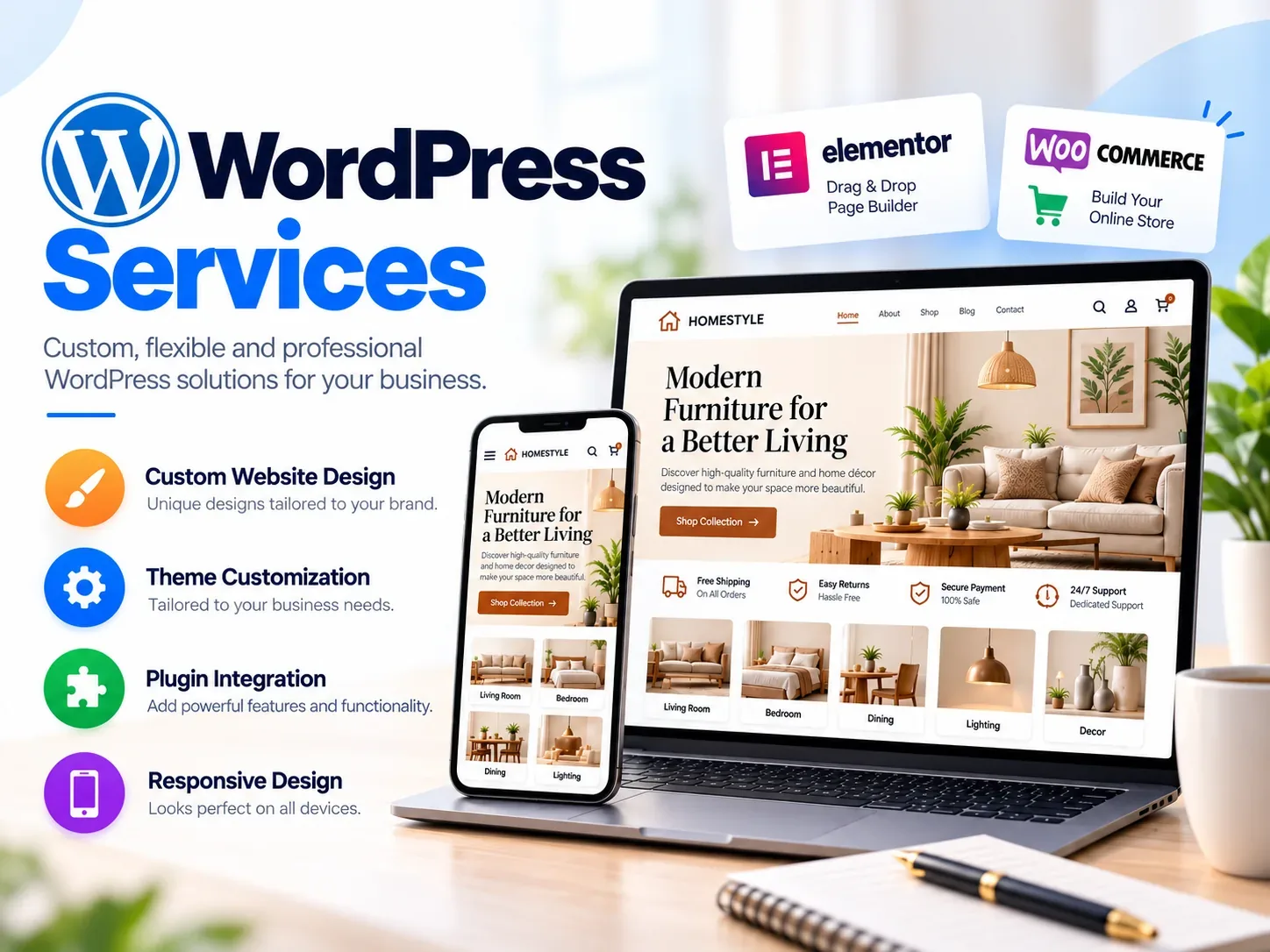
We convert your Webflow visual layouts into clean, modern WordPress Gutenberg blocks or lightweight custom themes. No bloated page builders, no slow load times—just pristine code matching your original design.
Every Webflow CMS collection transfers into structured WordPress Custom Post Types (CPTs) with Advanced Custom Fields (ACF). Blog articles, portfolio items, case studies, and team members remain effortless to manage.
Unlock unlimited product catalogs, advanced payment gateways, subscriptions, tiered discounts, and global shipping options without per-transaction penalty fees.
Every single Webflow URL is mapped with strict 301 redirects. Meta titles, descriptions, canonical URLs, image alt attributes, and JSON-LD schema are transferred intact to safeguard your hard-earned Google rankings.
While Webflow is great for early design iterations, growing brands often encounter platform ceilings that WordPress eliminates.
Webflow limits sites to 10,000 CMS items on costly plans. WordPress handles hundreds of thousands of articles, products, and records without artificial constraints.
Escape Webflow eCommerce limits. Enjoy full checkout customization, multi-currency support, custom payment gateways, and B2B wholesale features.
Stop paying per-seat, per-form-submission, and per-traffic charges. Self-hosted WordPress puts you in 100% control of your hosting budget.
Deep database queries, custom API integrations, user membership portals, and multilingual setups are all natively supported without restrictive workarounds.
When you migrate your Webflow site to WordPress with RS WebLabs, you get the best of both worlds: Webflow's visual finesse and WordPress's unlimited functional scalability.
We build with WordPress Full Site Editing (FSE) and native Gutenberg blocks. Your marketing team can create new landing pages, update copy, and publish articles with the visual ease they loved in Webflow.
By avoiding heavy legacy plugins and building bespoke lightweight theme templates, our migrated WordPress sites routinely score 90+ on Google PageSpeed Insights and Core Web Vitals.
You are never locked into a closed ecosystem. You own your database, files, and server environment with total autonomy.
A structured, methodical approach that guarantees zero downtime and zero search traffic loss.
We crawl your live Webflow website to build a full inventory of pages, CMS collections, media assets, custom code, dynamic interactions, and URL patterns. We design a clean WordPress data schema mapping all custom fields.
On a private staging server, we develop your custom WordPress theme or block library. Every breakpoint, typographic scale, micro-interaction, and visual element is recreated to match your Webflow design with pixel precision.
We export all Webflow collection items, images, and content, transforming them into WordPress custom post types. All metadata, titles, Open Graph tags, alt attributes, and 301 redirect mappings are verified.
After your team reviews and approves the staging site, we execute the DNS cutover with zero downtime. We submit the updated XML sitemap to Google Search Console and monitor 301 redirects and organic ranking stability.
Clear answers to the most common questions about migrating from Webflow to WordPress.
We perform a complete URL inventory and configure exact 1-to-1 301 redirects for every page and blog post. We also migrate all meta titles, descriptions, heading hierarchies, Open Graph tags, and structured schema so your search rankings and organic traffic remain uninterrupted.
Yes. We recreate Webflow interactions using lightweight vanilla JavaScript, CSS3 animations, and GSAP. Your WordPress site retains the exact visual polish, micro-interactions, and responsive behavior without heavy plugin bloat.
We map each Webflow CMS collection into native WordPress Custom Post Types (CPTs) or Advanced Custom Fields (ACF). All fields, categories, tags, author associations, publish dates, and media assets are imported cleanly.
Yes. We migrate products, variants, categories, images, and descriptions from Webflow into WooCommerce, configuring your preferred payment gateways, tax rules, shipping methods, and checkout workflows.
Standard business websites (10-30 pages) typically take 2-3 weeks. Larger content-heavy or eCommerce sites (50-200+ pages) take 4-6 weeks. We provide a milestone-based timeline before starting.
No. We build, test, and polish the entire WordPress site on a private staging environment. Once you test and approve everything, the DNS switch takes place seamlessly with zero downtime for your visitors.
Custom WordPress and WooCommerce solutions tailored for maximum speed, security, and conversion.
View WordPress Services →
Prefer Webflow? We also migrate WordPress websites to Webflow with full SEO preservation.
View WordPress to Webflow →
Bespoke web development tailored to your business requirements and technical specifications.
View Custom Development →Tell us about your Webflow site, timeline, and goals. We'll provide a detailed migration proposal, timeline, and transparent pricing with no obligation.